
Testing Gemma 4 as a Local Coding Assistant on an RTX 5090
I run a server in my office with an RTX 5090 and I wanted to find out if Gemma 4 could be my new daily driver for local code assistance. I spent a day testing models, breaking tool calling and tuning llama.cpp configs. After some initial trouble, Gemma 4 26B-A4B earned the spot.
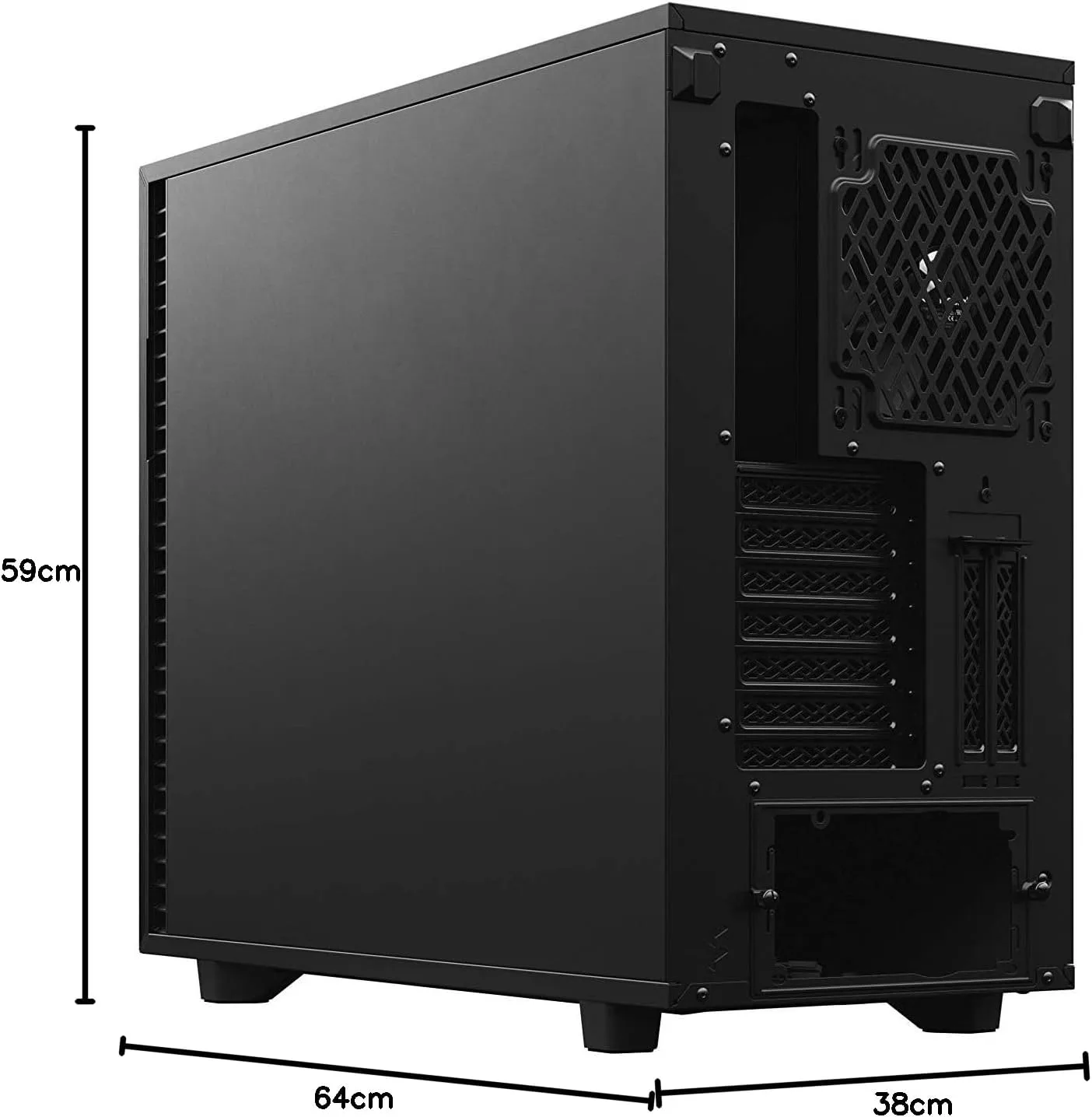
The Hardware
| Component | Spec |
|---|---|
| CPU | AMD Threadripper 9960X |
| RAM | 192 GB DDR5 |
| GPU | NVIDIA RTX 5090 32GB VRAM |
| Driver | 580.105.08, CUDA 13.0 |
| Host | Proxmox |
| Inference | llama.cpp with CUDA in a Debian 13 LXC container |
I use Claude Code daily and it is excellent, but I want to be less dependent on cloud providers and also see what works on my own hardware. Privacy is a bonus, and unlimited usage without rate limits or throttling is hard to beat. I don’t expect these smaller models to match frontier APIs, but they can still be useful. With 32GB of VRAM the quantized 30B+ models hit the sweet spot.
OpenCode
OpenCode is an open-source terminal coding assistant. Feature-wise it is close to Claude Code, and being open source means the pace of development is decided by the community. OpenCode is quite popular with around 138k stars at the time of writing this. What I really like about OpenCode is the customization. Custom providers, skills, permissions, MCP servers are all there of course. But you can also tweak the TUI a bit more than with other tools. It speaks the OpenAI-compatible API, which means you can point OpenCode at a llama.cpp server and it treats it like any other backend. Or to any provider of your choice (I have been trying out Berget AI , a Swedish provider, more on that in a future post).
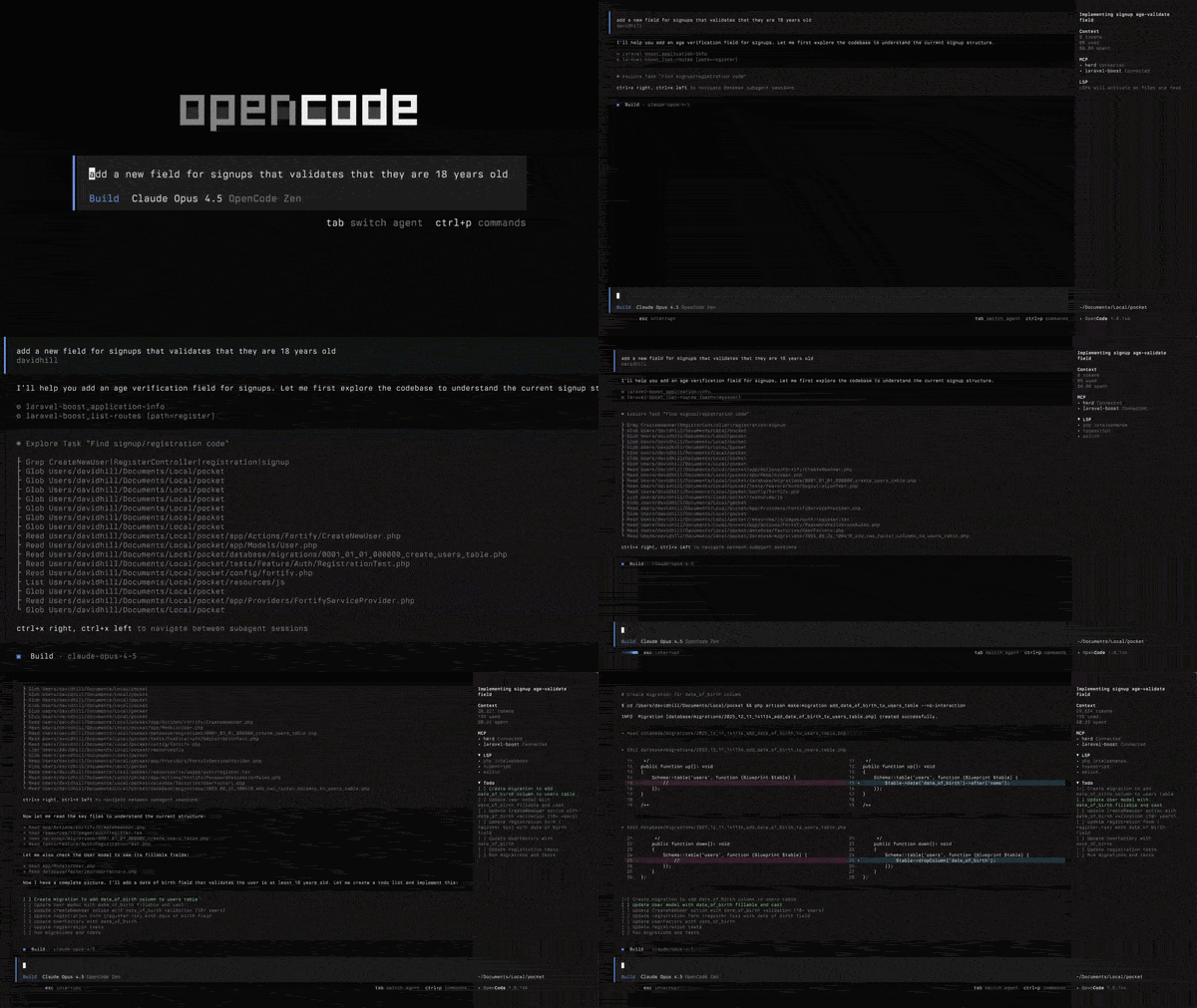
OpenCode running in the terminal. Source: OpenCode.ai
Evaluating Gemma 4
Gemma 4 landed with two variants that fit on the RTX 5090 at Q4 quantization: a dense 31B model and a Mixture-of-Experts (MoE) 26B model. Both support multimodal input and thinking mode. I tested both as coding assistants on a small Python side project: writing code, editing files, calling tools.
Gemma 4 31B (Dense)
On paper this model is hard to beat at its size. Google positions it as “optimized for consumer GPUs”, which is exactly what I was looking for. It supports 140 languages, has native function calling and the benchmarks look promising.
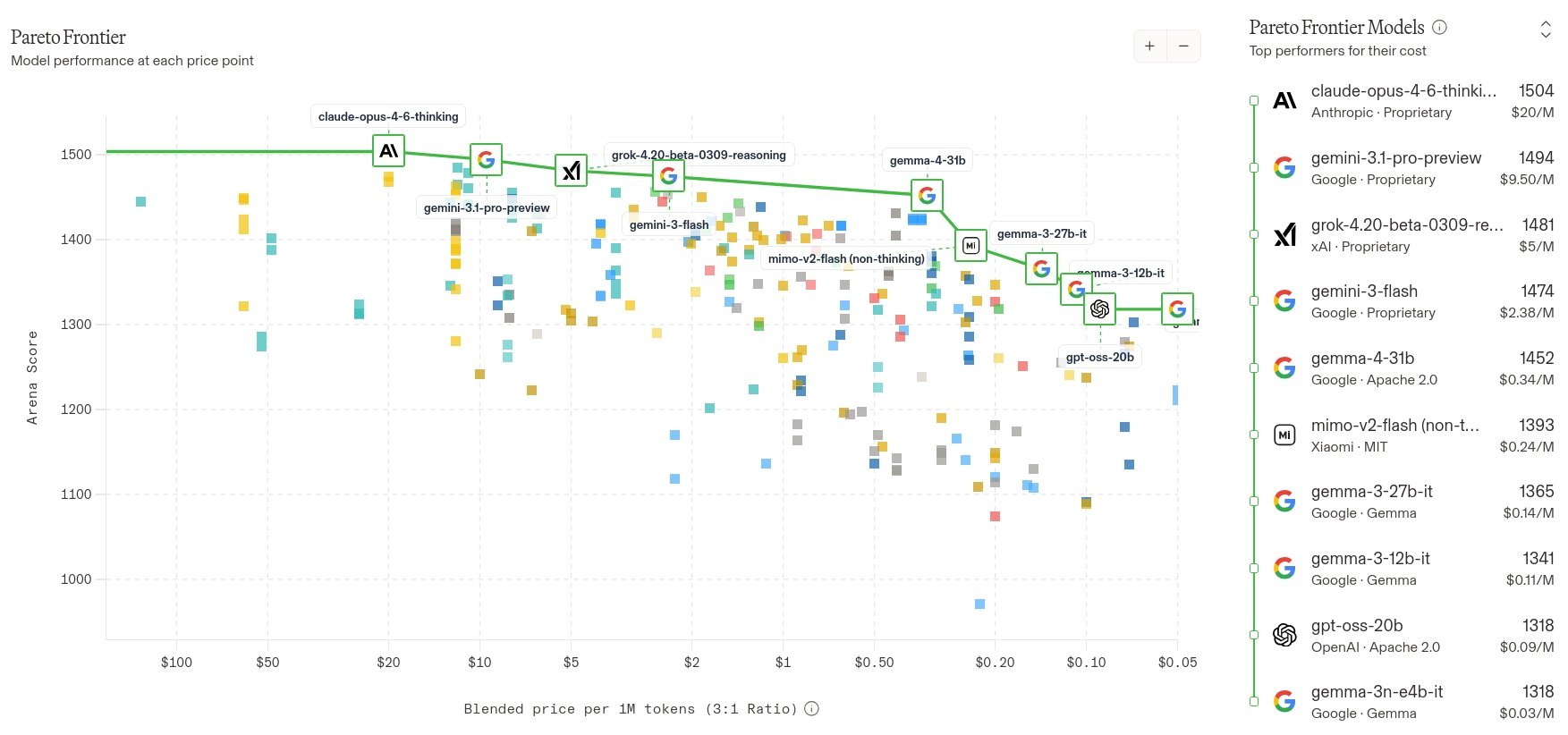
Benchmarks only tell part of the story though. You need to test on your own use case. In my testing, code quality was consistently the best of the three models I evaluated. But at 64 tokens per second and a max context of 88K tokens on 32GB VRAM, it is too slow for interactive coding on a single RTX 5090. The MoE variant solves this, but with more GPU power the dense model would be a strong pick.
Gemma 4 26B-A4B (MoE)
The MoE variant trades some of that quality for speed. Only 4B active parameters per token means 186 tokens per second, and it fits the full 256K context with 7GB of VRAM to spare. Code quality stays close to the dense model.
Initially I had trouble with tool calling. The model would generate text about calling tools instead of emitting the structured JSON. It turned out I was running an older llama.cpp build that lacked the specialized Gemma 4 parser . After updating, tool calling works correctly with complex system prompts in OpenCode. If you are running Gemma 4, make sure you are on a recent build that includes this fix.
Benchmark
All models use Unsloth Q4_K_XL quantizations. Unsloth gives us dynamic quantization which is key to running these models on VRAM-constrained setups. These are numbers for my hardware, with my workloads. Your results will differ depending on context size and GPU.
| Model | Type | Active Params | Gen tok/s | Max Context | VRAM Used | Tool Calling | KV q4_1 Penalty |
|---|---|---|---|---|---|---|---|
| Gemma 4 31B | Dense | 31B | 64 | 88K | 30.9 GB | Works | -16% |
| Gemma 4 26B-A4B | MoE | 4B | 186 | 256K | 25.1 GB | Works | -19% |
| Qwen 3.5 35B-A3B | MoE | 3B | 188 | 128K | 29.4 GB | Works | 0% |
KV cache quantization (q4_1) compresses the key-value cache that grows with context length. It lets you fit more context into VRAM.
Gemma 4 variants lose 16-19% generation speed with it enabled. Qwen 3.5 35B-A3B showed zero penalty. Worth testing on your model since the impact varies.
Winner: Gemma 4 26B-A4B
Gemma 4 26B-A4B is a 26B parameter MoE model with 4B active parameters per token. At 186 tok/s it is fast enough for interactive coding, and the code quality stays close to the dense 31B. With the full 256K context fitting in 25 GB of VRAM, there is plenty of headroom on the card for other things, like Infinity serving encoder models alongside it. Qwen 3.5 35B-A3B is a strong runner-up with similar fast generation, but Gemma’s strong multilingual support and the higher code quality from 4B active parameters give it the edge in my daily use.
llama.cpp Server
I run the inference server in a Debian 13 LXC container with GPU passthrough. Unsloth’s guide is a good starting point if you want to set up llama.cpp yourself.
Gemma 4 26B-A4B (thinking mode):
| |
Qwen 3.5 35B-A3B (for comparison):
| |
--chat-template-kwargs '{"enable_thinking":true}': Activates chain-of-thought reasoning.--cache-type-k q4_1: Quantizes KV cache keys. Increases context capacity. Free on Qwen, costly on Gemma (see benchmark table).--min-p 0.00: Disables min-p sampling. Qwen 3.5 recommendation.-ngl 999: Offload all layers to GPU. If you have less VRAM, you can offload to CPU.
OpenCode Configuration
Save this to ~/.config/opencode/opencode.json:
| |
The baseURL points to the llama.cpp server. Match the context limit to the server’s --ctx-size.
Lessons from MCP and AGENTS.md
I also experimented with MCP servers and custom skills in OpenCode. One MCP server I tried out shipped with an AGENTS.md that described tools the server did not actually expose. The model had no way of knowing this. I noticed the responses were taking unusually long, so I used /export to dump the trace. Here is what 31 seconds of wasted thinking looked like:
| |
The model was going in circles looking for tools that did not exist. After replacing the AGENTS.md with one matching the actual tool set, the same prompt resolved in 5 seconds with clean reasoning. On the Gemma 4 31B this kind of improvement took responses from 1.5 minutes down to around 45 seconds.
/export to dump the full conversation trace including thinking tokens. You can see exactly what the model is reasoning about. Nonsense or loops usually point to a mismatch in the system prompt or tool definitions.Wrapping Up
My biggest surprise was how much the details matter: at first Gemma 4 tool calling did not work at all because I had an old version of llama.cpp. A KV cache flag that was working great on one architecture ended up costing 19% on another. And a mismatched AGENTS.md file can waste half your thinking budget.
Local models won’t replace frontier APIs anytime soon, but a single consumer GPU can now run a genuinely useful coding assistant. That was not the case a year ago.